
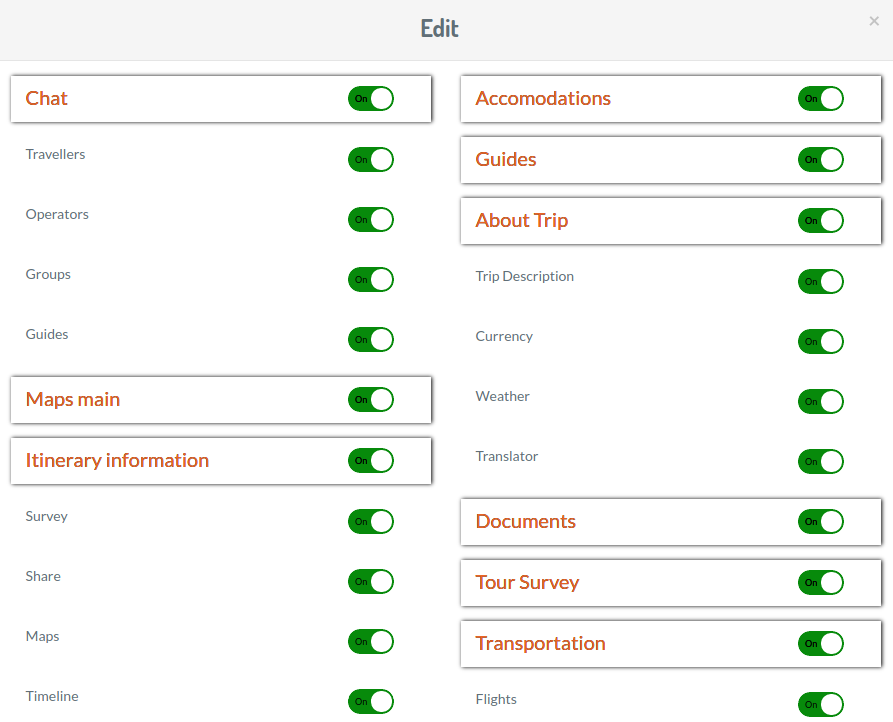
The Display Features section allows you to hide certain features so that they do not appear in the app. For example, if you are a day tour operator and you don't want to show the Accommodations menu in app then you can control it from here.
You can hide features at Organisation level, or just on certain bookings as & when required. This feature makes the app totally customizable and configurable for your company's needs.
Set Organisation Display Features
Click on Display Features in the main menu. This opens the following screen which automatically displays your Organisation Defaults, as well as any Bookings in which Display Features have been edited.
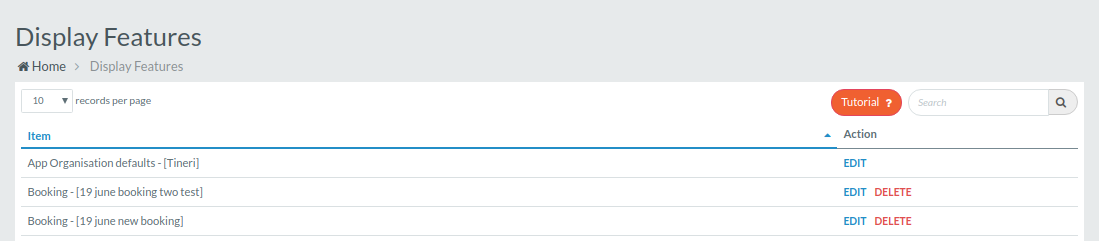
To view or edit your defaults, click Edit. This pops up the following screen. To turn off a feature or any of its dependencies, toggle the green switch to off.
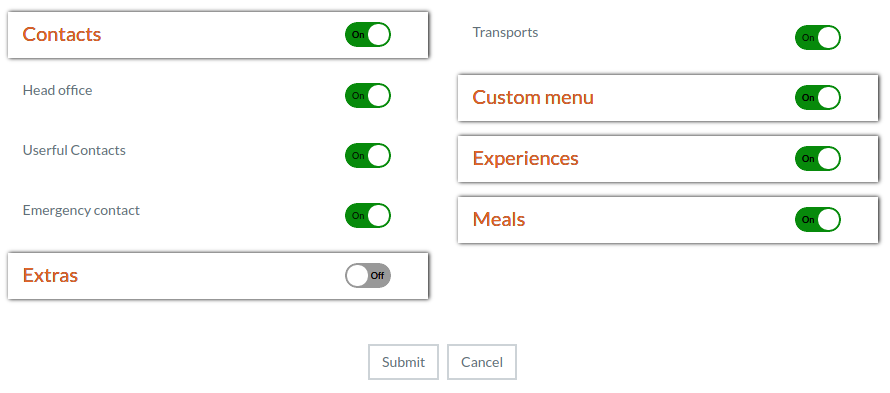
Click Submit to save your changes.